What's in that box?
The 4th pair of pliers you buy because you can't find the others - that's what we prevent. Put a QR on the box, take one photo of what's inside. The next time you need it, the answer comes in 3 seconds.
10 boxes free. No card, no expiry.
Stick a QR on the box.
Print it from the app or use ready-made stickers. Every box gets its own code.
Point your phone at it.
The camera reads the code in an instant. The box stays closed.
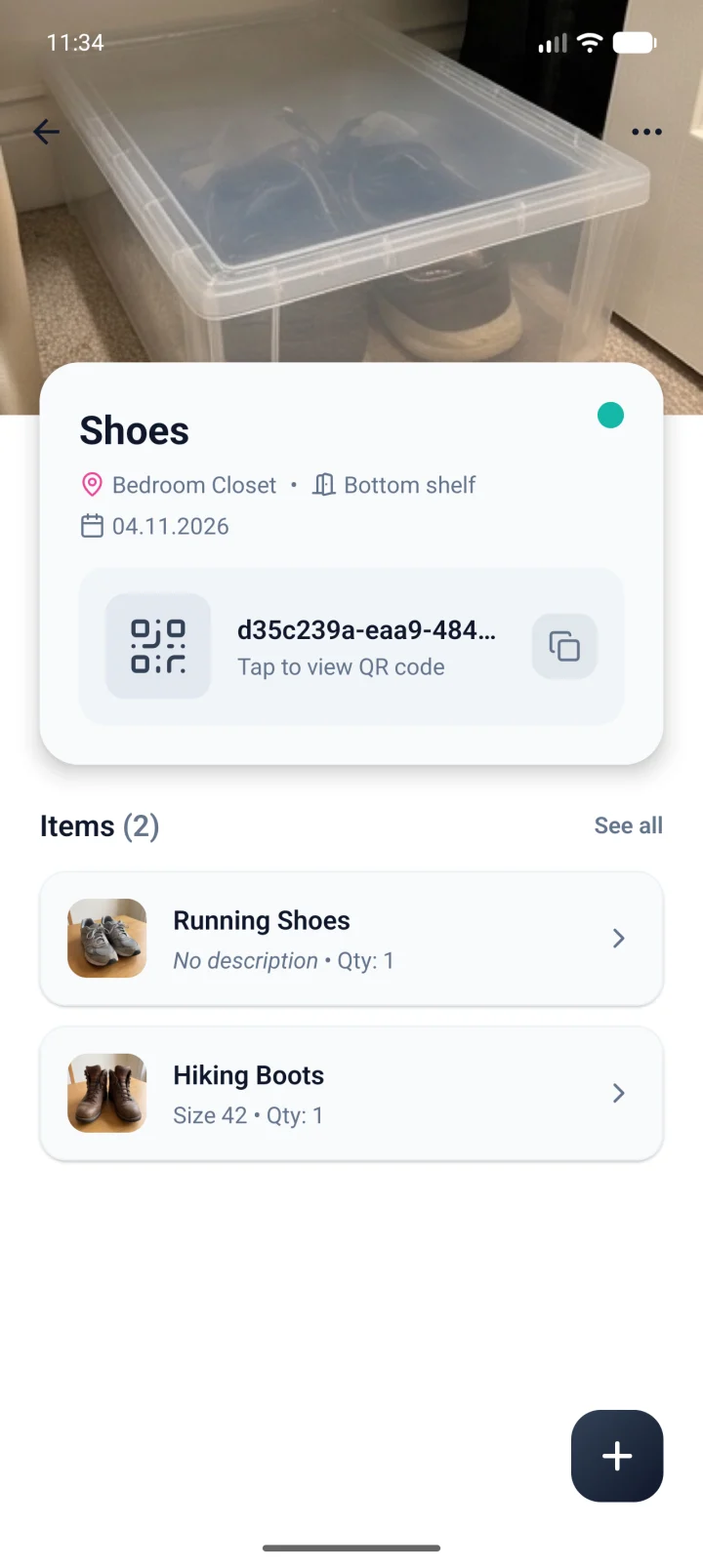
See what's inside, layer by layer.
Where it lives, which code it has and every item in it, with its photo.
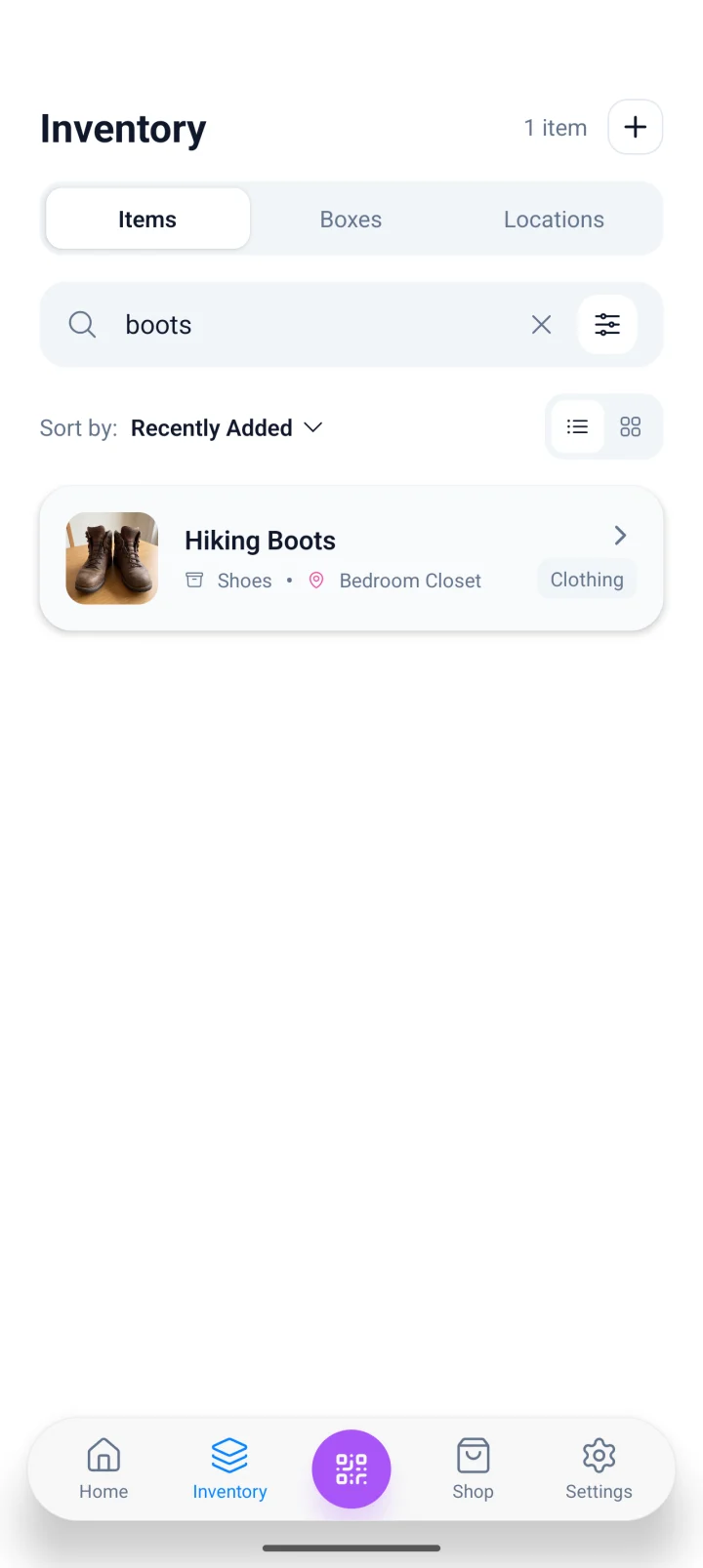
Or search for the item itself.
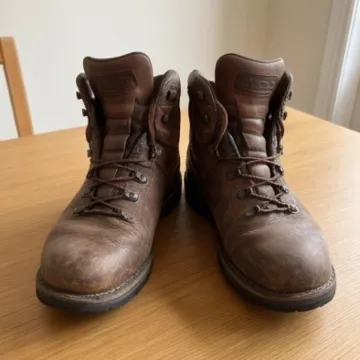
Type "boots" and see right away which box and which shelf it is on.
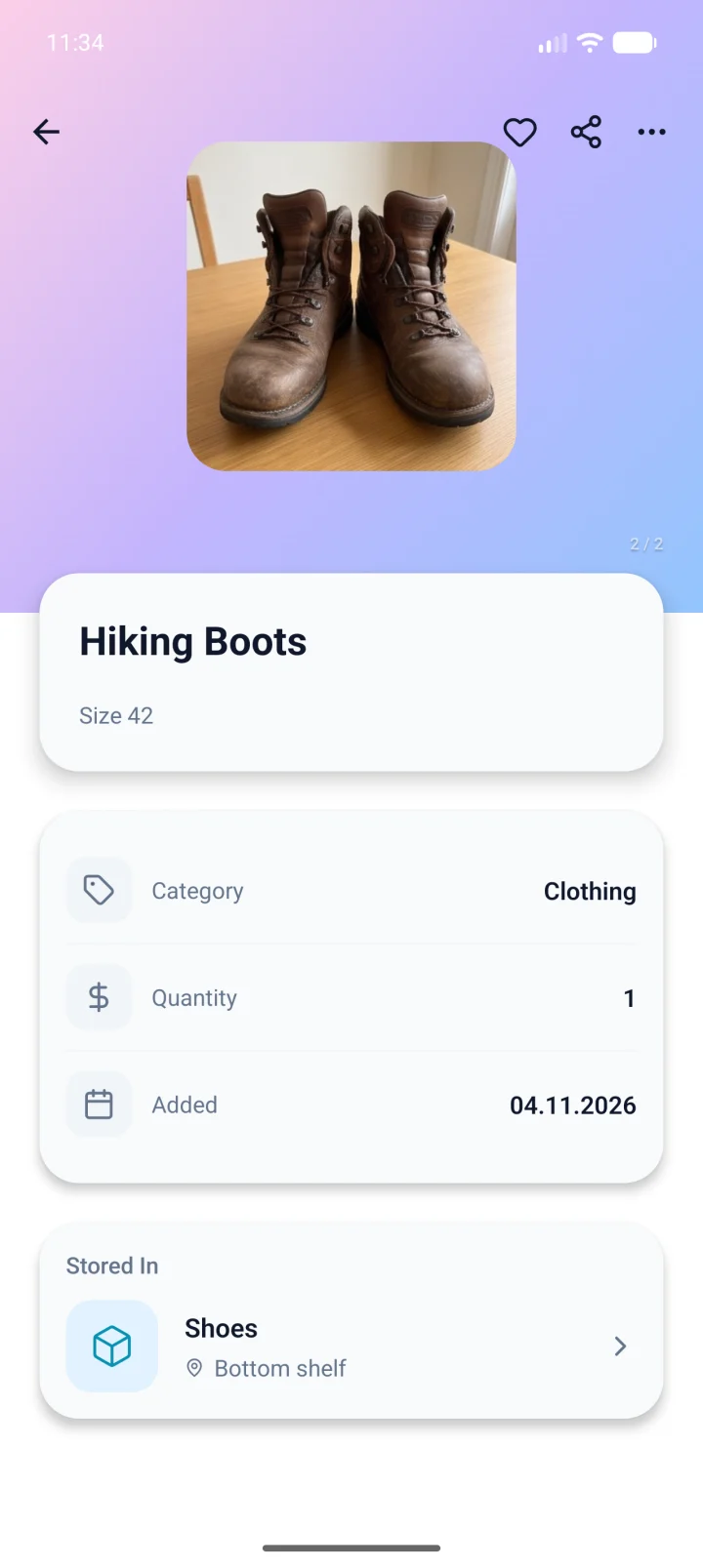
And know exactly where to grab it.
Photo, category, quantity and the box it is waiting in.
 PacPakBoxPacPakBox
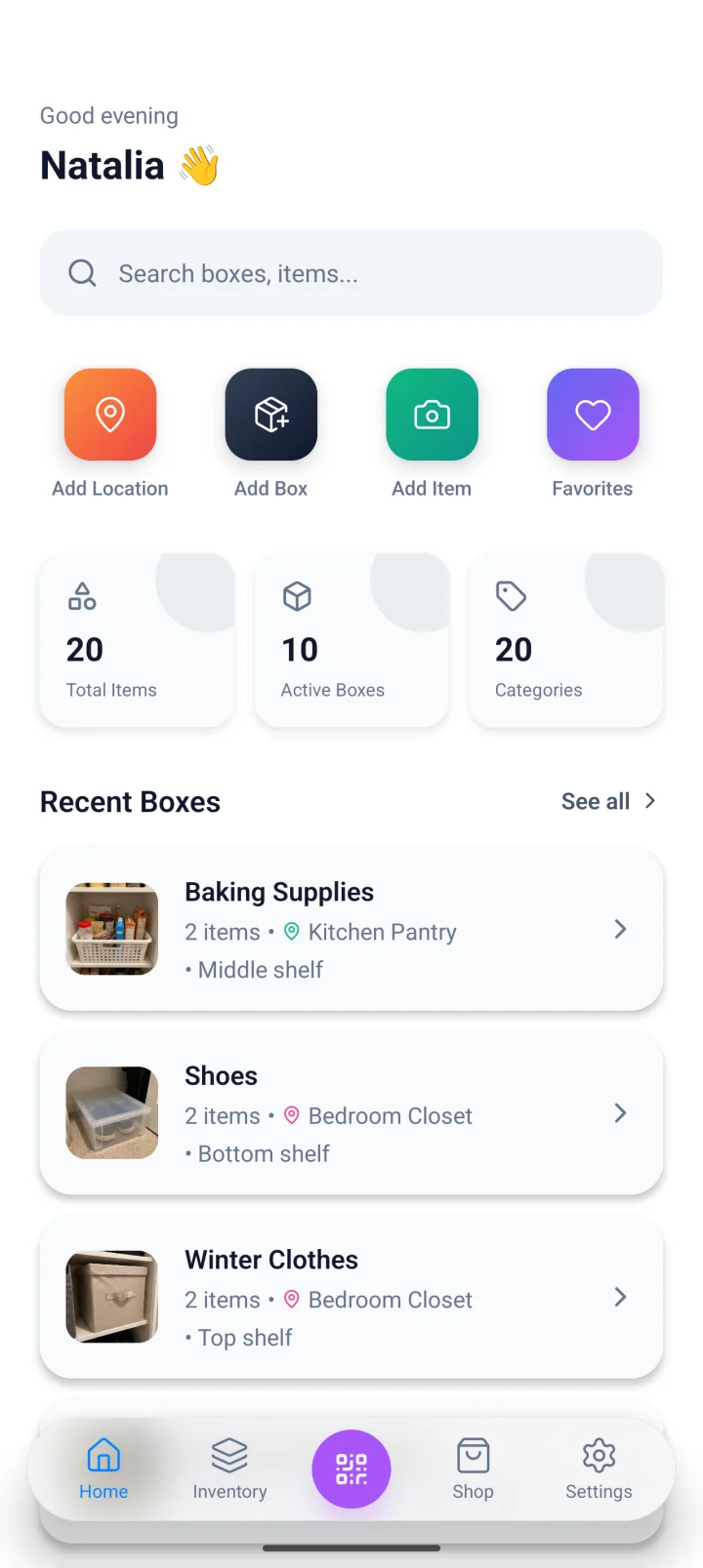
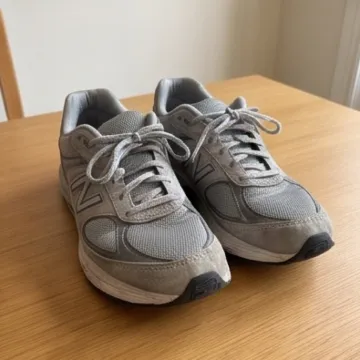
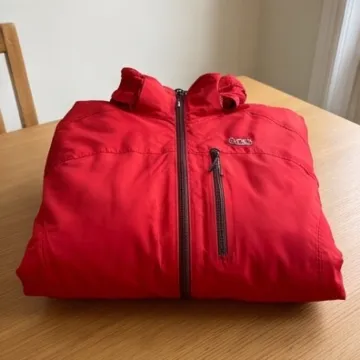
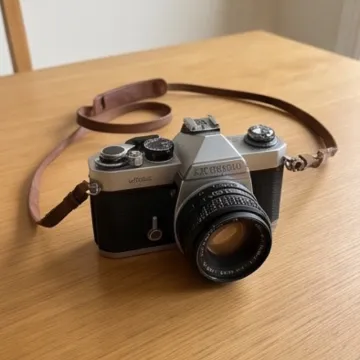
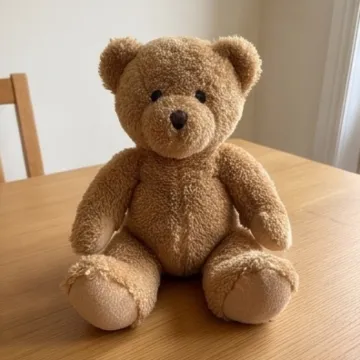
- The label
- The scan
- The box
- Search
- The item
Built for the long run
No lists to maintain. One photo, one QR on the box, and the inventory builds itself over time.
Your place, exactly as it is
Workshop, basement, attic, garage. Boxes inside. Items inside boxes. You model the real structure, no abstractions.
One photo, list writes itself
Camera over the box, one click. The AI spots each object and adds it with a name and description. You confirm.
Check before you buy
From the hardware aisle, search and see you already own one - and which box it lives in. Duplicate purchases go away.
QR shows you the contents
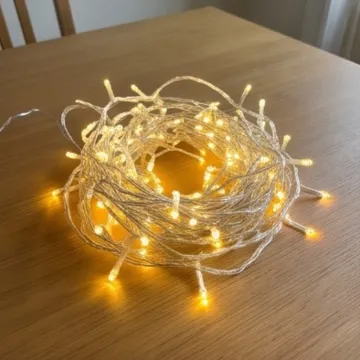
Print, stick, scan. When you need the Christmas lights, you don't open eight boxes to find them.
Filter the way you think
Tag by project, by season, by category. Show all woodworking tools. Or everything purchased last year.
Offline when signal drops
In the basement or the garage, the app keeps working. When you come back into range, it syncs on its own.
Three steps. Done.
Define your locations
Workshop, garage, basement, balcony. Set once, they stay.
Label a box
Print the QR, take a photo of the contents, the AI generates the item list.
Find it when you need it
Search or scan a QR. You know where it is - and whether you own it.
Designed for the phone
Camera over the box, scan a QR, see the contents. Add an item straight from a photo. The native iOS and Android app is optimised for when you're next to the box, not in front of a laptop.
- Camera scans QR and barcodes
- Works fully offline
- Same account on phone, tablet and web
- Notifications when other members edit something
Three plans. No tricks.
Start free. Move to Pro when you cross 10 boxes.
Questions we always get
Yes, but any printer works - even a thermal receipt one. If you do not want the hassle, order packs of pre-printed QR stickers straight from our shop.